Understanding Virtual Desktop Technology
As the landscape of technology continues to evolve, virtual desktop technology has emerged as a pivotal innovation in both personal and professional computing. From enhancing remote work capabilities to revolutionizing education and gaming, virtual desktops offer users the flexibility to access their digital environments from anywhere, utilizing the computing power of remote servers. In this detailed exploration, we will delve into what virtual desktops are, how they function, their benefits, and more.
What is a Virtual Desktop?
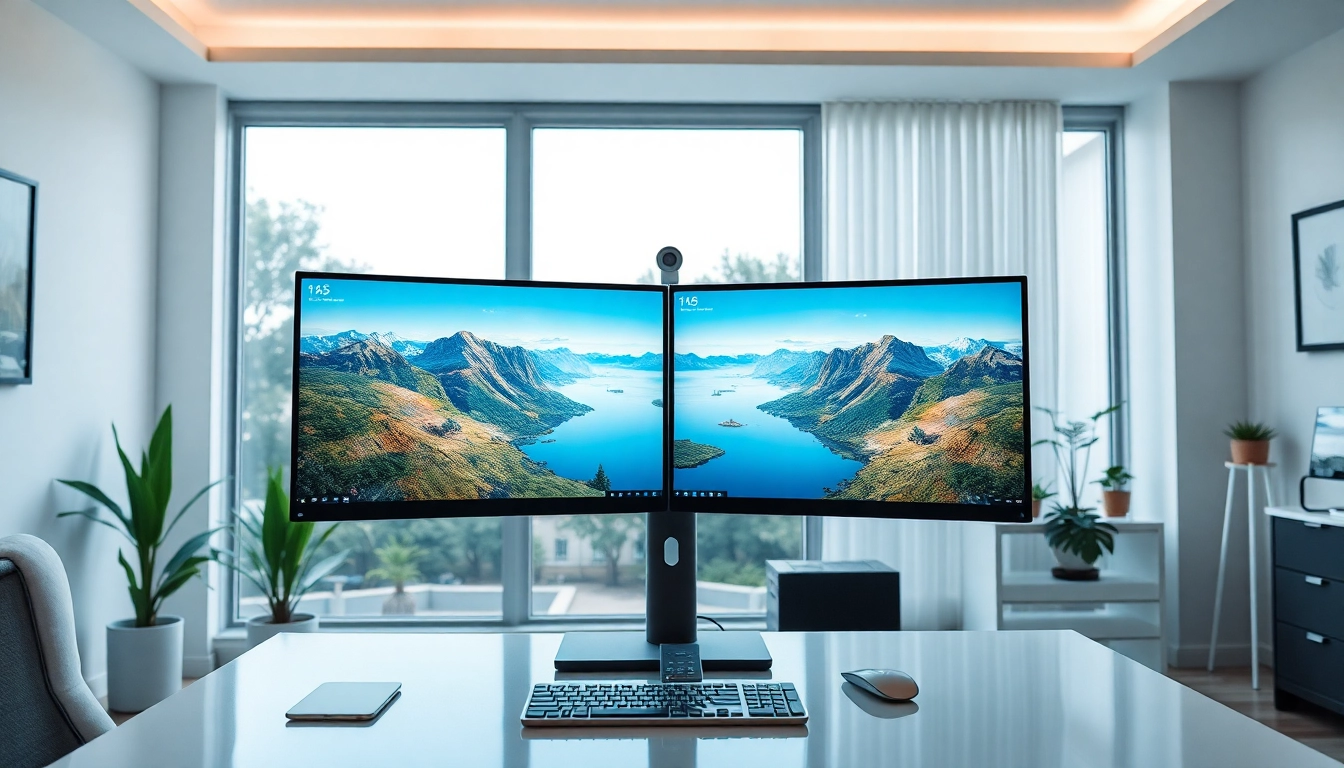
A virtual desktop is an emulation of a physical desktop environment that can be accessed over a network. Unlike traditional desktops bound to hardware, virtual desktops operate within a virtualized environment hosted on servers. This means that users can run applications, access files, and utilize system resources remotely, without the constraints of their local machines. Essentially, a virtual desktop provides a complete desktop experience that can be accessed from various devices, whether it be a laptop, tablet, or even a smartphone.
How Virtual Desktop Works
The technology behind virtual desktops is quite sophisticated, leveraging virtualization and cloud computing. At its core, a virtual desktop consists of two primary components: the client-side application and the server-side infrastructure. The server hosts the operating system, applications, and storage, while the client side connects the user’s device to this virtual environment.
Key technologies involved in this process include:
- Virtualization Software: This software creates a layer that separates the operating system and applications from the physical hardware.
- Remote Desktop Protocols: These are protocols that facilitate the communication between the client device and the server over the internet, ensuring low latency and high responsiveness.
- Cloud Infrastructure: Many organizations utilize cloud-based servers to host virtual desktops, providing scalability and flexibility according to demand.
Benefits of Using Virtual Desktop
The adoption of virtual desktop technology comes with numerous benefits:
- Increased Flexibility: Users can access their desktops from any device with an internet connection, enabling a more mobile lifestyle.
- Cost Efficiency: Businesses can reduce hardware costs and streamline maintenance by relying on centralized resources.
- Enhanced Security: Data is stored on secure servers rather than local machines, reducing the risk of data breaches from lost or stolen devices.
- Improved Collaboration: Teams can work on the same virtual desktop environment, facilitating shared resources and applications.
- Easier Management: IT departments can manage and update applications from a central location, simplifying maintenance and ensuring all users have access to the latest software.
Setting Up Your Virtual Desktop
Setting up a virtual desktop involves several steps, each essential to ensure optimal performance and user experience. This section will guide you through the necessary hardware requirements, software installation steps, and configuration settings.
Hardware Requirements for Virtual Desktop
To set up a virtual desktop, the following hardware components are generally recommended:
- Server Specifications: The server should have sufficient RAM, CPU power, and storage capabilities to host multiple virtual desktops simultaneously.
- Client Devices: Users' devices must be capable of handling the client software effectively. This includes having a reliable network interface and adequate processing power.
- Network Infrastructure: A robust and fast internet connection is critical for ensuring seamless access to the virtual desktop environment.
Software Installation Steps
The installation of software for virtual desktops typically includes the following key steps:
- Choose a Virtualization Solution: Select a reputable virtualization platform that meets your organization’s needs.
- Install the Hypervisor: The hypervisor, which manages the distribution of resources among virtual machines, should be installed on your server.
- Set Up the Virtual Machines: Create virtual machines that will serve as the individual desktops for users, installing the required operating systems and applications.
- Deploy Management Tools: Implement management software to oversee the virtual desktop environment, ensuring smooth operation and easy troubleshooting.
Configuring Settings for Optimal Performance
After installation, configuring settings for optimal performance is crucial. Consider the following aspects:
- Resource Allocation: Allocate appropriate amounts of CPU, RAM, and storage to each virtual machine based on user requirements.
- Network Configuration: Ensure that the network settings optimize bandwidth use, implementing Quality of Service (QoS) policies where necessary.
- Security Settings: Establish strong security policies, including authentication methods and access controls, to safeguard sensitive data.
Real-World Applications of Virtual Desktop
The versatility of virtual desktop technology allows it to be employed across various sectors, each benefitting uniquely from its capabilities. Here, we explore some notable use cases.
Use Cases in Remote Work
Remote work has become a norm for many organizations, and virtual desktops provide the infrastructure to support this shift effectively. Employees can access their work environments from home, ensuring continuity despite geographical barriers. Virtual desktops facilitate a secure and consistent experience, allowing businesses to maintain productivity regardless of physical location.
Virtual Desktop in Education Settings
Educational institutions leverage virtual desktop technology to create rich learning environments. Students can access specialized software and tools required for their courses without needing powerful personal computers, as everything runs on the school’s servers. This democratizes access to technology, enabling learners from diverse backgrounds to utilize advanced educational resources effortlessly.
Gaming and Entertainment with Virtual Desktop
Virtual desktops also shine in the gaming and entertainment sector. Gamers can stream high-performance games from servers to their devices, experiencing intricate graphics and superior processing power without the need for expensive hardware. The flexibility to use various devices further increases accessibility, allowing players to engage in their favorite activities anytime, anywhere.
Common Challenges and Solutions
While implementing virtual desktop technology brings many advantages, organizations may encounter several challenges. Here, we discuss common obstacles and strategies to address them effectively.
Connectivity Issues and Fixes
Connectivity problems often hinder user experience with virtual desktops. To mitigate these issues:
- Monitor Network Performance: Use network monitoring tools to track performance and identify bottlenecks.
- Upgrade Infrastructure: Ensure that your internet speed and network hardware can support the anticipated load.
Performance Optimization Techniques
Maintaining optimal performance in a virtual desktop environment involves implementing certain techniques:
- Regular Maintenance: Schedule regular updates and maintenance checks to keep systems running smoothly.
- User Training: Educate users on best practices to optimize their experience, such as closing unused applications and managing resource intake.
Security Measures for Virtual Desktop
Security remains a top concern in adopting virtual desktop technology. Implementing the following measures can enhance security:
- Multi-Factor Authentication: Require users to verify their identity through multiple means before granting access.
- Data Encryption: Ensure that all data transferred between client devices and the server is encrypted, protecting sensitive information from potential breaches.
Future Trends in Virtual Desktop Technology
The future of virtual desktop technology is promising, influenced by ongoing innovations in cloud computing, virtualization, and user experience design. Here are some trends to watch:
Emerging Technologies and Innovations
Advancements in artificial intelligence (AI) and machine learning (ML) are expected to enhance virtual desktop performance, automating routine tasks and improving user interfaces. The integration of these technologies could lead to more intuitive and adaptable virtual environments, catering to individual user needs more effectively.
Integration with Cloud Services
As businesses increasingly adopt cloud-based solutions, the integration of virtual desktops with cloud services will become seamless. This confluence will allow organizations to leverage cloud scalability while enjoying the benefits of virtual desktop solutions, creating a truly dynamic computing environment.
Predicted Changes in User Experience
User experience (UX) is set to evolve significantly as virtual desktop technology matures. We anticipate a shift towards more personalized environments that cater to individual preferences, enabling users to design their workflows and interfaces for maximum efficiency and comfort.
In conclusion, as virtual desktop technology continues to advance, embracing its potential becomes vital for individuals and organizations alike. The ability to provide a flexible, secure, and efficient computing environment makes virtual desktops an essential component in the modern digital landscape.