Understanding Countdown for Email: The Basics
What is a Countdown for Email?
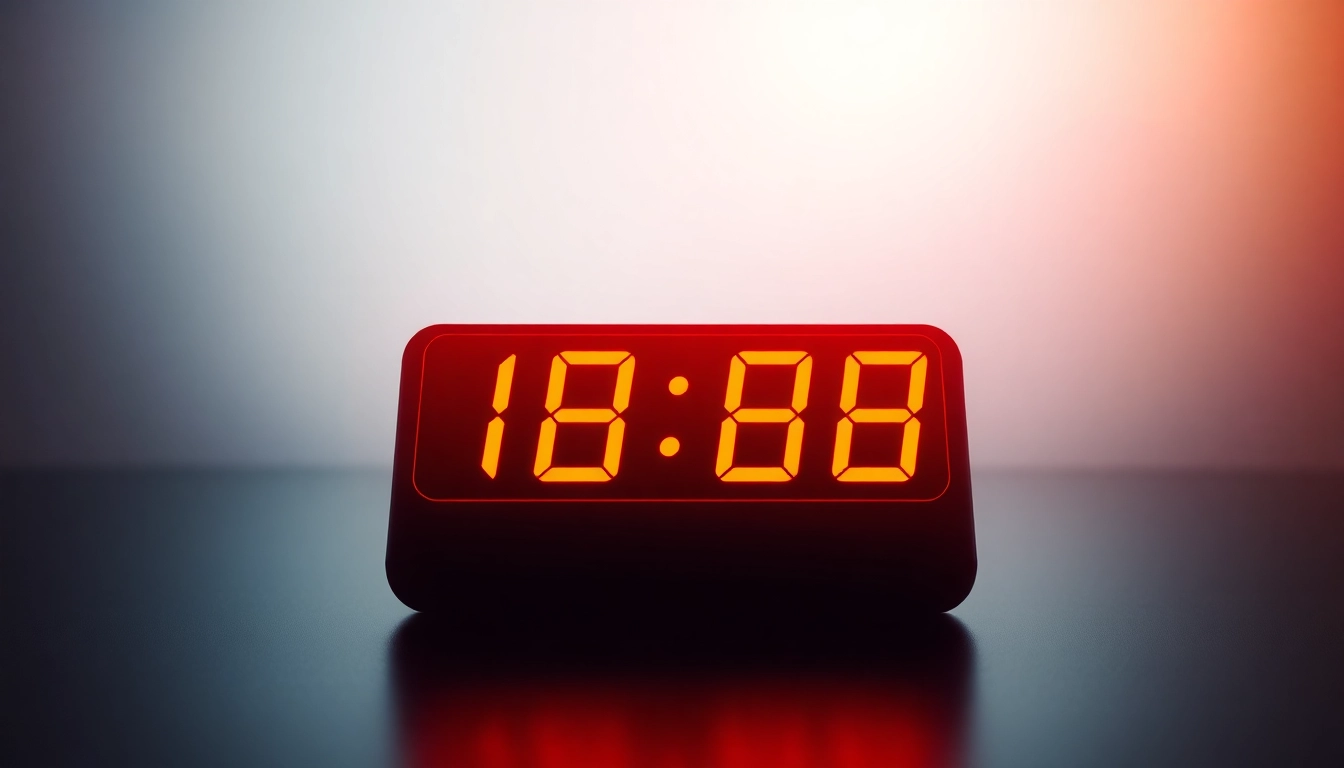
A countdown for email is a dynamic visual element that ticks down to a specific event or deadline, often designed to create urgency and motivate the recipient to take action. By embedding a countdown timer in your email campaigns, you provide subscribers with a clear, tangible sense of time running out. This can be applied to special promotions, product launches, or any event that requires immediate attention. The timer typically updates in real time, and in some cases initiates when the recipient opens the email, further personalizing the experience.
The Importance of Timers in Email Marketing
In the fast-paced digital marketplace, capturing attention is crucial. An email that includes a countdown timer stands out among the in-box clutter and adds an engaging visual component that traditional text cannot offer. Studies have shown that the use of countdown timers can significantly increase open rates, click-through rates, and ultimately conversions. By creating urgency, countdown timers compel recipients to act before the time runs out, whether that action is making a purchase, signing up for a webinar, or taking advantage of a limited-time offer.
Key Features of Effective Countdown Timers
- Real-Time Updates: Effective countdown timers change dynamically, showcasing precise time remaining until the event. This makes the urgency feel immediate.
- Customization: The ability to customize the design of the countdown timer is vital. Colors, fonts, and sizes should align with your brand and the email content for a cohesive look.
- Compatibility: Ensure that your countdown timer works seamlessly across all email clients and devices. An email countdown timer should render well whether viewed on mobile or desktop.
- Analytics: Good countdown timer tools provide performance analytics. Metrics such as open rates, click-through rates, and conversions allow marketers to measure effectiveness and optimize future campaigns.
Benefits of Using Countdown Timers in Your Emails
Creating a Sense of Urgency
Creating urgency is one of the most significant psychological triggers that can influence a consumer’s decision-making process. Countdown timers imbue a sense of limited time availability, prompting recipients to act swiftly. When a subscriber sees a timer counting down, they are often motivated to make decisions more quickly than they might otherwise. This urgency can be particularly effective for promoting sales events, flash sales, or product releases.
Increasing Click-Through Rates
According to various studies, email campaigns featuring countdown timers experience higher click-through rates than those that do not. The presence of a timer signals to recipients that the offer is special and time-sensitive, encouraging them to click through to learn more or make a purchase. With clearly displayed time limitations, marketers can take heads-up offers to the next level, converting casual observers into paying customers.
Enhancing Personalization for Subscribers
Countdown timers can also enhance the personalization of email campaigns. By tailoring timers to specific segments of your audience, you create a more engaging, relevant experience. For instance, you might use different countdowns to highlight different promotions for various subscriber groups. Additionally, some advanced countdown tools allow timers to start when the email is opened, making each recipient's experience uniquely timed.
How to Add Countdown Timers to Your Emails
Step-by-Step Guide for Popular Email Platforms
If you're looking to incorporate a countdown for email into your marketing strategy, here’s how you can set it up on some popular email platforms:
- Create your countdown timer using a reliable countdown timer tool.
- Copy the generated HTML code.
- In Mailchimp, create or edit your campaign.
- Utilize the “Code” content block to paste in your countdown timer's HTML.
- Adjust placement and preview before sending.
- Use a countdown timer generator to create your timer.
- Copy the HTML code produced.
- Open your email campaign in Constant Contact.
- Select “HTML” from the editor options and paste your countdown code.
- Preview and make any necessary adjustments.
- Design your countdown before starting the email.
- Click “Create Timer” in your countdown tool.
- In Klaviyo, create or edit your email template.
- Insert a “Text” or “HTML” block and paste your timer код.
- This will allow Klaviyo to render the countdown in the email draft appropriately.
Using HTML to Embed Countdown Timers
Incorporating HTML countdown timers into your email involves using code that your email client can render. Many countdown timer services provide the necessary code that you can easily copy. Follow the instructions detailed in the specific email platform you are using to ensure proper implementation. When pasting HTML code, make sure that it does not conflict with existing styles or affect the layout of your email.
Tips for Customizing Your Countdown Design
The design of your countdown timer should complement your overall email aesthetic. Here are some tips for customization:
- Color Scheme: Use colors that align with your brand and evoke the desired emotional response. Red, for instance, can enhance the urgency.
- Font Choice: Select fonts that are easy to read on all devices. Bold fonts can emphasize urgency.
- Graphics: Including eye-catching elements around your timer, such as arrows or call-to-action buttons, can draw attention.
- Responsive Design: Ensure your countdown timer looks good on both desktop and mobile by testing across devices.
Best Practices for Countdown for Email Campaigns
A/B Testing Your Countdown Timers
A/B testing is valuable in understanding the effectiveness of your countdown timers. By testing multiple versions of your timer (different designs, placements, or times) within similar audience segments, you can measure which combinations yield the best engagement and conversions. Implement small changes, one at a time, to clearly identify what works versus what doesn’t, allowing for data-driven decision-making in future campaigns.
Timing Your Campaigns for Maximum Impact
The timing of your countdown email is critically important. Ideally, you want to send your countdown emails well ahead of the event but close enough that it creates urgency without risking being forgotten. Early reminders may start the countdown, whereas the final hours can act like a last-minute rush. Consider your audience's behavior and previous campaign performance to determine the optimal timing.
Analyzing Performance Metrics
After launching a countdown email campaign, it’s imperative to analyze its performance against your goals. Key performance metrics to track include:
- Open Rate: How many recipients opened your email? A well-placed countdown timer can significantly increase this number.
- Click-Through Rate (CTR): Assess how many clicked through to your offer. This determines how persuasive your countdown was.
- Conversion Rate: Track the percentage of recipients who completed the desired action, whether it’s purchasing or signing up.
- Engagement Rate: Monitor recipients' interactions with your email post-click, including time spent on the landing pages linked from your countdown.
Case Studies: Successful Countdown for Email Implementations
Brands That Boosted Sales with Timers
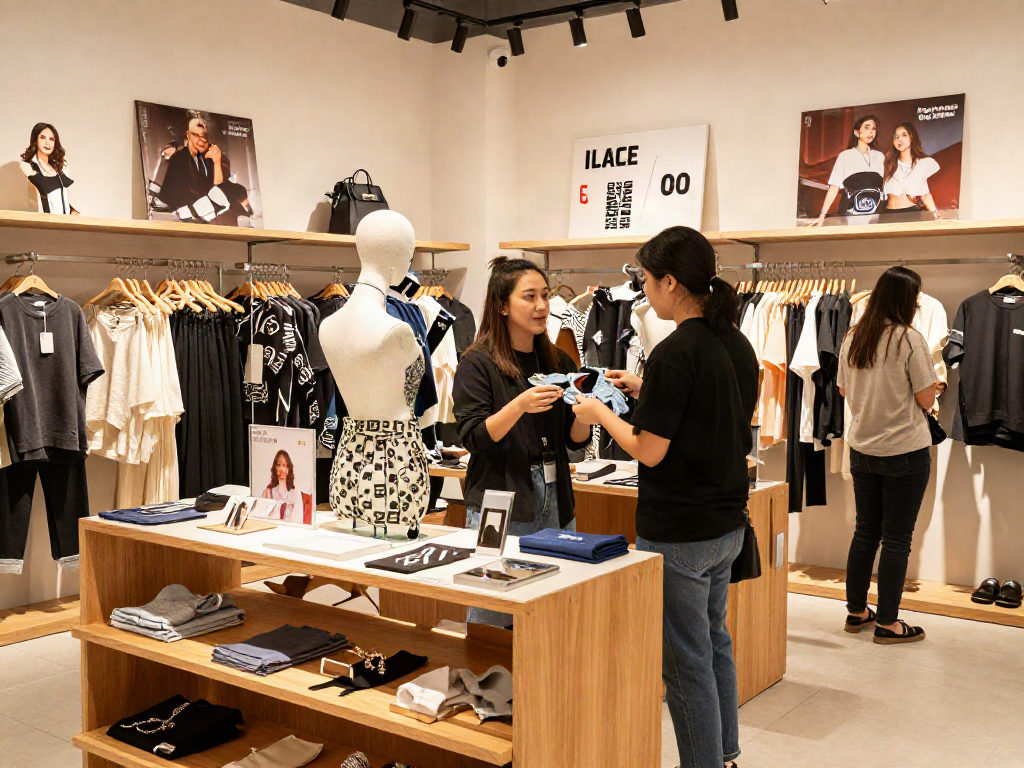
Many companies have successfully integrated countdown timers into their email campaigns, positively impacting their sales. For instance, a well-known online clothing retailer utilized countdown timers to promote a seasonal sale. In their promotional emails, they incorporated visually appealing countdowns that updated in real time. The result was a significant increase in sales and a remarkable uplift in click-through rates, demonstrating how urgency can drive conversion during limited-time offers.
Creative Countdown Examples in Email Campaigns
Several brands have used innovative designs to make their countdown timers more engaging. For example, a tech company introduced a countdown timer featuring animated elements that showed the evolution of their new product. This approach not only caught the attention of recipients but also informed them about the product’s features as the timer counted down to the launch date. Such creative implementations help build excitement and anticipation around the product, leading to higher conversion rates.
Lessons Learned and Future Trends
As the email marketing landscape continues to evolve, the trend toward personalization and urgency will grow stronger. Marketers should continually experiment with countdown features and designs, keeping a close eye on emerging technologies. Additionally, the integration of countdown timers with AI-driven analytics can further enhance targeted email marketing efforts, tailoring unique experiences based on customer behavior and preferences.