
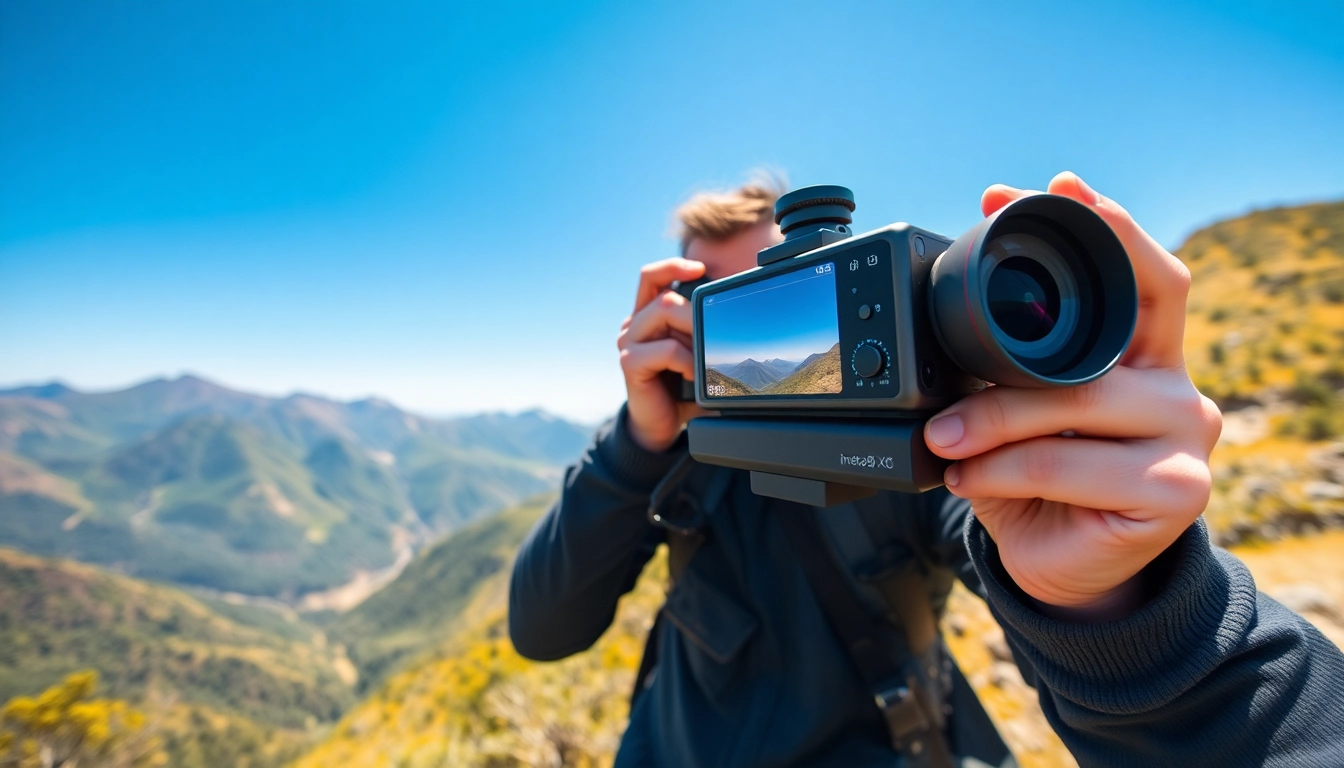
Introduction to Insta360 X5 and Its Features
The world of photography and videography has evolved dramatically, and with the rise of immersive experiences, 360-degree cameras have become increasingly popular. Among the top contenders in this expanding market is the Insta360 X5. This camera merges cutting-edge technology with user-friendly functionality, allowing users to capture stunning imagery and videos in a panoramic format. In this guide, we will delve into the features that define the Insta360 X5, explore its unique capabilities, and provide tips for maximizing your shooting experience.
What Makes Insta360 X5 Stand Out?
The Insta360 X5 stands out due to its combination of portability, ease of use, and high-quality output. It is designed for outdoor adventurers, content creators, and anyone looking to capture moments in a breathtaking 360-degree format. One of its key features is the dual-lens setup, which captures images at a resolution of up to 5.7K. This level of detail ensures that footage is not only immersive but also sharply defined, allowing for significant versatility in editing.
Additionally, the Insta360 X5 is equipped with advanced stabilizing technology that minimizes shake and motion blur, providing smooth footage even during high-action shoots. Its robust software integration allows users to apply various effects and transformations, enhancing creativity and storytelling potential.
Key Specifications and Enhancements
- Resolution: Up to 5.7K video resolution at 30 fps.
- Lens: Dual 210-degree fisheye lenses for 360-degree capture.
- Stabilization: Advanced FlowState stabilization technology.
- Battery Life: Capable of capturing approximately 70 minutes of continuous recording.
- Connectivity: Wi-Fi and Bluetooth for easy transfer and remote control via smartphone.
- Water Resistance: IPX8 rating, suitable for water exposure with a protective case.
User Experience and Design
The user experience is a crucial factor when determining the success of a camera, and the Insta360 X5 excels in this area. The camera’s design is compact and lightweight, making it easy to carry on adventures or daily outings. The ergonomic grip provides comfortable handling, which is particularly beneficial during extended use.
On top of that, the Insta360 X5 features an intuitive touchscreen interface, offering straightforward navigation through various settings and modes. Users can quickly switch between shooting modes, adjust resolution, and access additional features without complicated menus. Furthermore, the camera’s design includes a variety of mounting options that cater to diverse shooting needs, from static shots to dynamic action scenes.
Getting Started with Insta360 X5
For first-time users or those transitioning from other cameras, getting started with the Insta360 X5 can seem daunting. However, with a little preparation, you can quickly familiarize yourself with its capabilities and prepare for your next shoot.
Unboxing and Setup Tips
Upon unboxing the Insta360 X5, users will find the camera well-packaged with essential components including a battery, USB-C charging cable, and a quick-start guide. Before using the camera, ensure that the firmware is updated to the latest version for improved performance. Setting up the camera is as simple as inserting the battery, charging it, and powering it on. The initial configuration involves connecting the Insta360 X5 to the mobile app, which unlocks a range of additional features.
Essential Accessories for Optimal Use
To enhance your experience with the Insta360 X5, consider investing in some essential accessories:
- Protective Case: A durable case ensures that your camera remains safe in challenging terrains or during aquatic shoots.
- Tripod/Monopod: A reliable mount can help stabilize your shots while providing a variety of angles.
- Extra Batteries: For long days of shooting, extra batteries will ensure you’re always ready to capture the action.
- Microfiber Cloth: Maintaining the lens and screen is key to achieving a clear image without dust or smudges.
- Filter Kits: Depending on your shooting environment, filters can help control light and enhance colors.
Initial Configuration Settings
Once unboxed, configuring the initial settings of your Insta360 X5 is crucial for the best shooting experience. Begin with the following adjustments:
- Resolution Settings: Choose the video resolution based on your intended use—higher resolutions for streaming or lower for social media sharing.
- Stabilization: Enable FlowState stabilization, particularly for action or movement-intensive footage.
- Wi-Fi Settings: Connect the camera to your smartphone utilizing the Insta360 app for advanced controls and editing options.
- Auto-Settings: Initially, keeping auto settings for exposure and white balance aids in capturing brighter images right away.
Techniques for Capturing Stunning Footage
Once you have your camera ready, mastering the techniques for capturing captivating footage is essential. Here are strategies to ensure you get the most out of your Insta360 X5.
Understanding Lenses and Angles
Utilizing the dual 210-degree lenses effectively allows for expansive coverage and unique perspectives. To avoid blind spots, keep the camera at a distance away from areas that might obstruct the lens. Experimenting with different angles can also yield unique viewpoints—try elevated positions for landscape shots or lower angles for dynamic action.
Editing and Post-Processing Tips
Editing is where the Insta360 X5 truly shines. With the accompanying mobile app, users can apply diverse effects, including slow-motion, timelapses, and various filters. Start by trimming your footage and adding music to create a cohesive narrative. Consider utilizing the “Reframe” feature to adjust viewpoints and create an engaging final product that caters to your audience’s preferences.
Creative Shooting Techniques for Unique Perspectives
To push your creativity further, practice unique shooting techniques such as:
- Follow Shot: Attach the camera to a moving subject, allowing the viewer to engage actively with the scene.
- Drone Shots: Use a drone, thereby combining aerial shots with the 360-degree features.
- Hyperlapse Modes: This technique adds a captivating speed to long inserts and provides transitions that capture the waiting or traveling experience.
Exploring Advanced Features of Insta360 X5
The Insta360 X5 is loaded with advanced features that separate it from typical action cameras. Understanding how to utilize these features maximizes your creativity.
Using 360-Degree Mode Effectively
360-degree mode opens new avenues for storytelling. Use this mode in crowded environments or events to capture everything happening around you. This perspective can be particularly engaging in travel narratives, giving viewers full access to the sights and sounds of the environment. Utilize stitching options within the app to ensure a seamless viewing experience.
Integration with Smartphone Apps
The seamless integration of the Insta360 app allows users to control the camera remotely, providing new dimensions of capture without physical interaction. Use live streaming features to share events in real-time with viewers, design interactive 360-degree experiences, and easily transform raw footage into professional-grade videos.
Leveraging Time-lapse and Hyperlapse Modes
Both time-lapse and hyperlapse modes are invaluable in capturing transitions over extended periods, such as sunsets, moving clouds, or bustling city life. The Insta360 X5 makes this process simple by allowing users to choose intervals between frames to fast track lengthy moments into captivating snippets that tell a story efficiently.
Frequently Asked Questions about Insta360 X5
How do I charge the Insta360 X5?
The Insta360 X5 is charged using a standard USB-C cable. Ensure it is fully charged before use for optimal performance.
Can I use the Insta360 X5 in low light?
Yes, the Insta360 X5 performs well in low-light conditions, making it suitable for night photography or events.
How can I transfer footage from the Insta360 X5?
You can transfer footage via USB-C to your computer or use the app for wireless transfer directly to your mobile device.
What is the video resolution of the Insta360 X5?
The Insta360 X5 supports resolutions up to 5.7K, providing high-quality footage for your projects.
Is the Insta360 X5 waterproof?
The Insta360 X5 is water-resistant, but it’s recommended to use a protective case for underwater shooting or in heavy rain.